Experience the Feel of Touching a Smartphone Screen in the Lab with the Centurion Touchscreen Controller
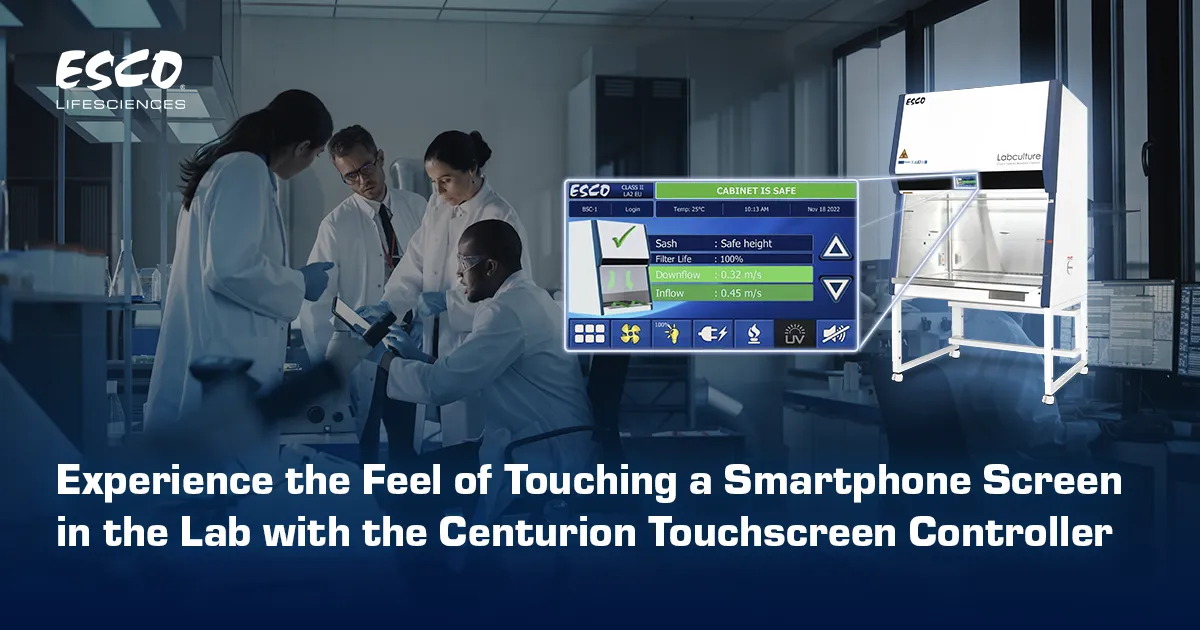
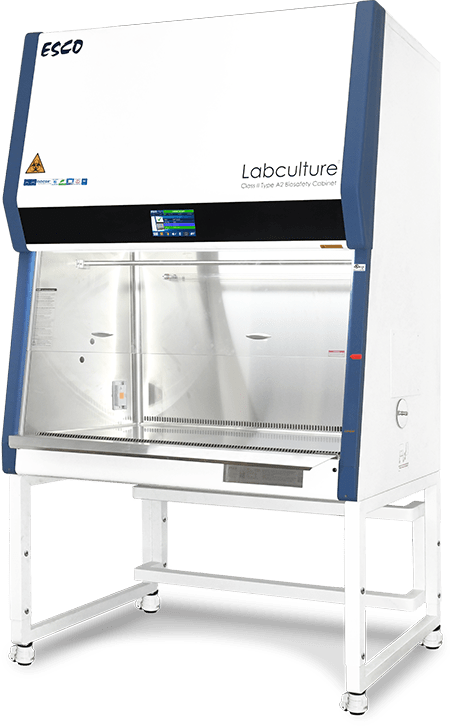
The Centurion Touchscreen Controller marks a significant step forward in biosafety cabinet innovation, transforming how scientist interact with safety-critical systems in the laboratory.
From Buttons to Touch
Airflow is an invisible shield that defines biosafety containment. The precise balance between inflow and downflow air is critical as it protects users, samples, and the surrounding environment within a biosafety cabinet. While this balance is essential, the airflow is invisible. Scientists rely on numerical values displayed on the cabinet to understand and verify safe operating conditions.
The new Centurion Touchscreen Controller transforms this experience by offering a more intuitive and interactive way to interact with their biosafety cabinet. It makes critical information accessible at a glance.
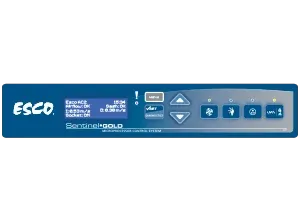
In the prior generation of biosafety cabinet, controllers relied on physical buttons and a limited display screen. Navigating through a layered menu often required multiple button presses to adjust basic settings. While it already offers the basic communication system, the evolution becomes clear when comparing it with the new Centurion touchscreen controller.
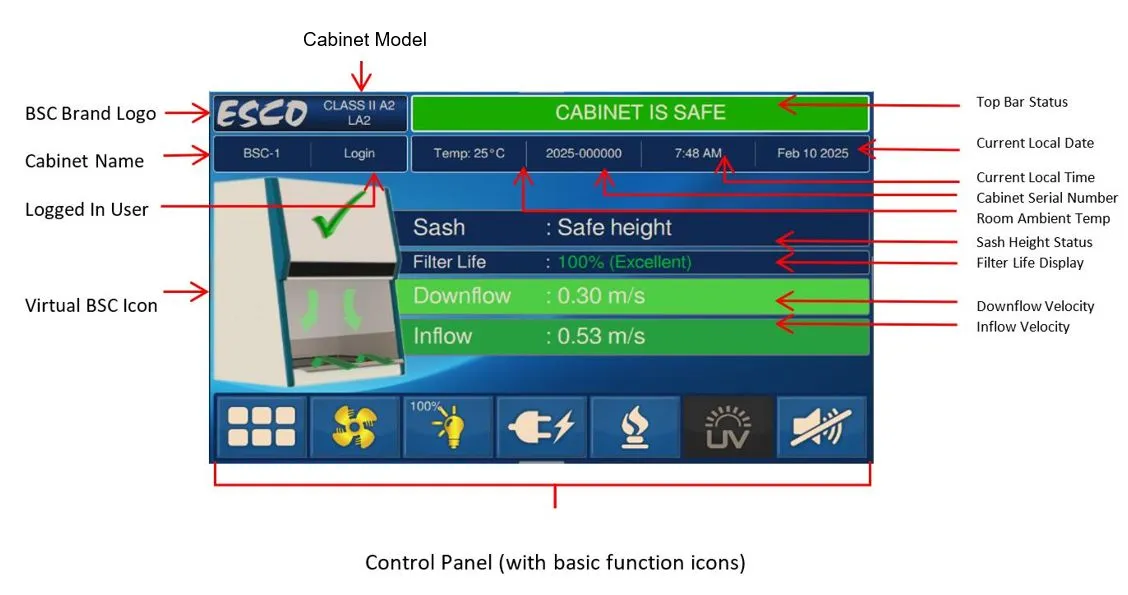
With the Centurion Touchscreen Controller, user interaction shifts toward clarity and immediacy. It has a 7-inch full touchscreen LCD, which offers a smartphone-like interface that is easy to navigate. All basic information and cabinet status are displayed on a single screen. Swiping gestures provide quick access to the menu and eliminate the hidden information behind layered information.

The centurion touchscreen is fully responsive. It can be operated using laboratory gloves. The scientist no longer needs to remove gloves to adjust settings or access menus, helping maintain sterility and saving time. By combining advanced visualization and ergonomic interaction, the Centurion Touchscreen Controller elevates the role of the biosafety cabinet from a passive safety device to an intelligent and interactive system.
A Universal Color Language
Another major advancement is the real-time 3D airflow visualization. This feature makes invisible air movement visible through an intuitive representation that's easy to understand. It allows for early detection of potential turbulence and abnormal airflow conditions, turning airflow monitoring into an active protective system that supports safer and faster decision-making in laboratory operations.
Safety communication is further improved with a color-coded visual language. Cabinet status is instantly recognizable via intuitive color indicators: green, orange, blue, red, and purple, each signifying a different operational condition. Users can quickly grasp the cabinet’s status without deciphering complex numerical data, reducing the risk of misinterpretation and enabling faster responses when necessary.
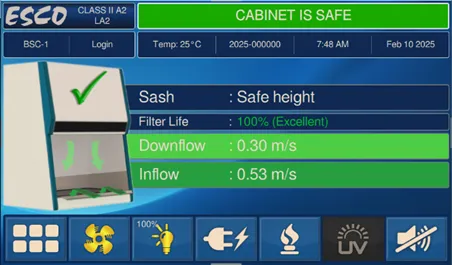
Green color indicates safe operating conditions, where airflow, pressure, and system performance are stable
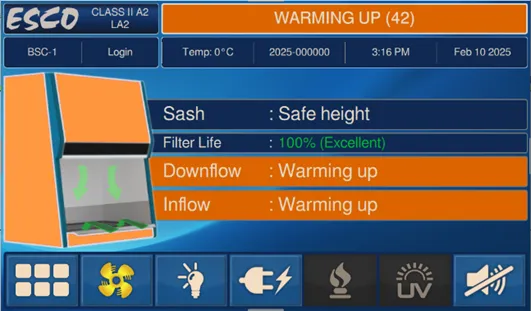
Orange indicates that the unit is in the warming-up phase and is preparing to reach safe operating conditions
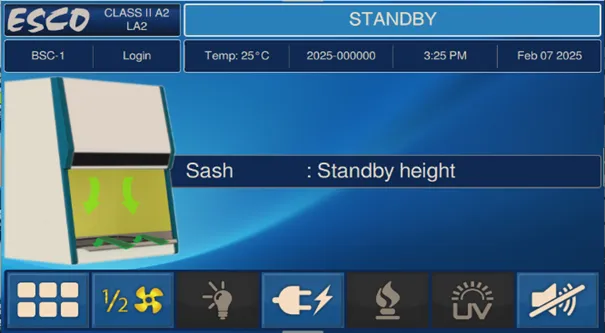
Blue indicates that the unit is in standby mode, with the active system running at a reduced level for more energy efficiency while the cabinet is not in use
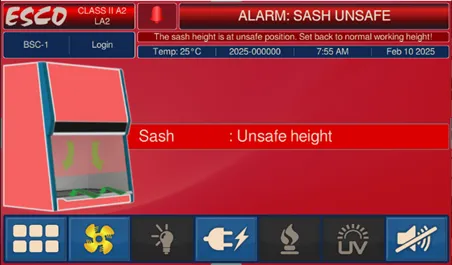
Red indicates an alarm condition, warning users that the unit is in an unsafe state and immediate action is necessary
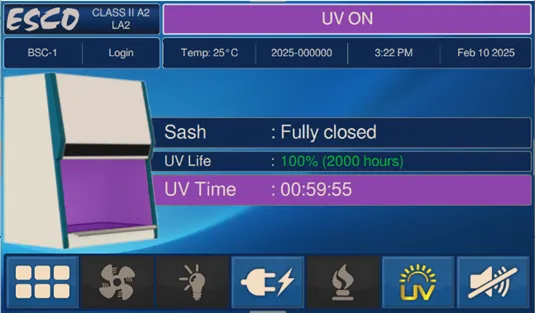
Purple indicates that the UV lamp is on and the unit is operating in disinfection mode. Only on units integrated with a UV lamp.
The Centurion Touchscreen Controller is implemented across all Gen 4 Class II Biosafety Cabinets (BSC), including the VIVA® G4 Class II Type A2 Animal Workstation BSC. Click below to learn more about each product.
Biological Safety Cabinet
Animal Research Workstation